
Tryout registration
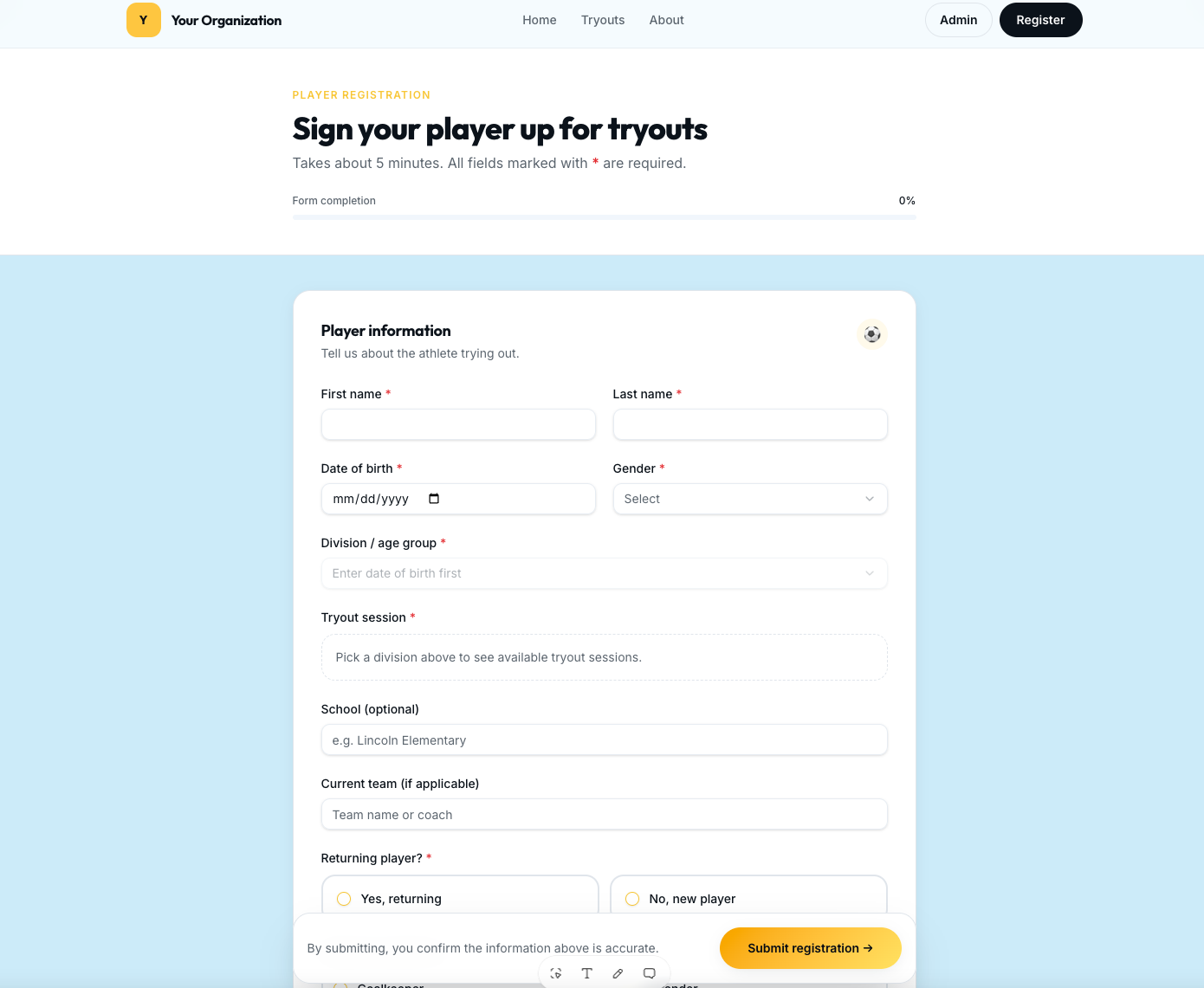
Custom registration forms per sport, age group, and tryout session. Waivers, medical notes, jersey preferences, and payment collected in one place.
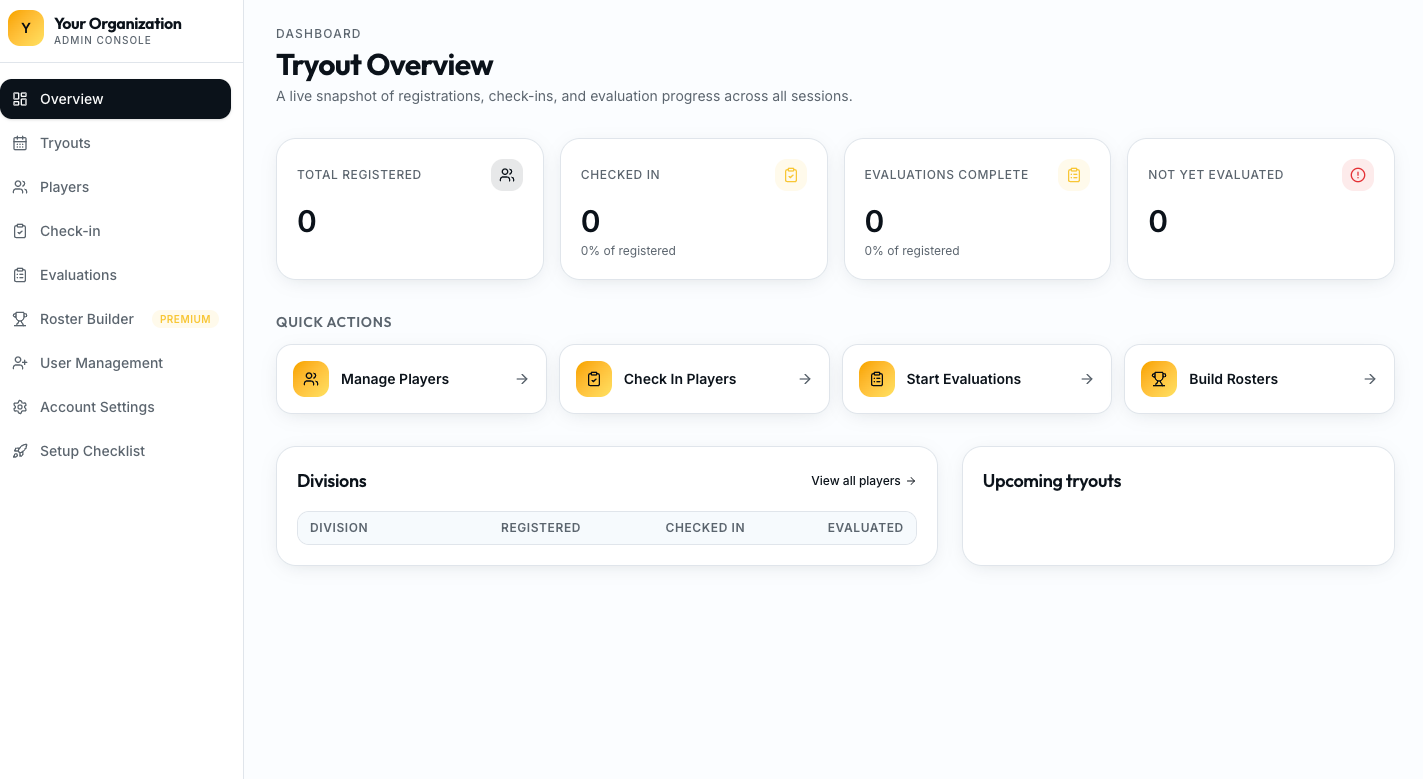
One platform to promote, register, check in, evaluate, compare, select, and communicate — with every player record kept together.
Replace the mix of paper evaluation forms, spreadsheets, and disconnected registration systems that most clubs still run tryouts on. TryoutOS keeps the entire tryout process — and the data it produces — in one system built for youth sports program directors.
The tryout workflow
Every step of the tryout process runs on the same system, so your registration data, evaluator scores, and selection decisions all live together — not in eight different tools.
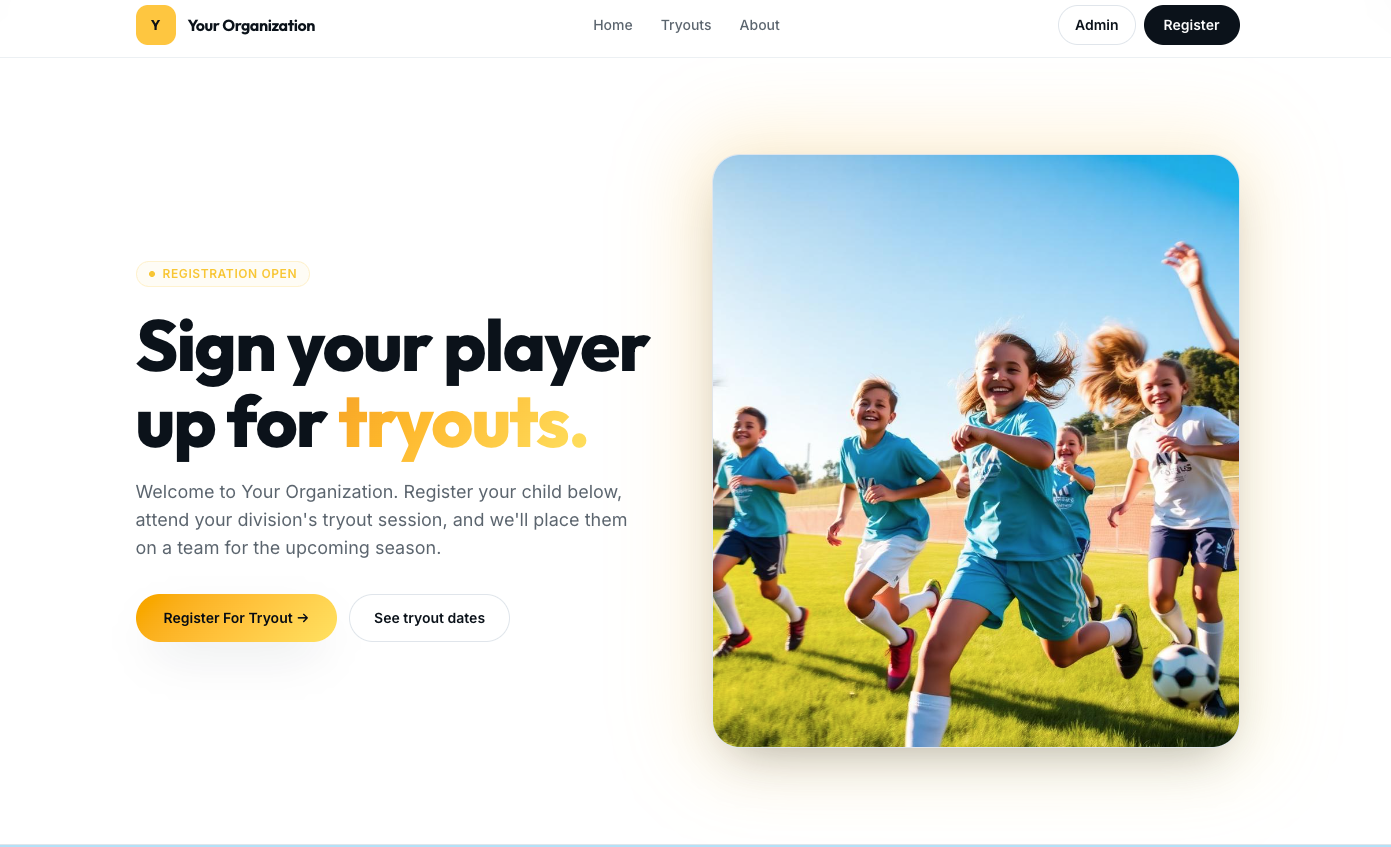
Launch a branded tryout page and share it wherever families already find your program.
Collect player info, waivers, and payment in one flow — no spreadsheet imports later.
Digital check-in with numbered pinnies, group assignment, and live attendance.
Evaluators score on tablets using your criteria — no paper, no double entry.
Aggregate scores across evaluators and see athletes side by side.
Run tiered selection, balanced teams, or waitlists from the same dataset.
Send acceptance, next-step, and waitlist emails from inside the platform.
Every score, note, and roster history stays on the player's profile for next season.
Inside TryoutOS
Capabilities
Custom registration forms per sport, age group, and tryout session. Waivers, medical notes, jersey preferences, and payment collected in one place.
One profile per athlete, carried across sports and seasons. Historical evaluations, notes, and roster history are always attached.
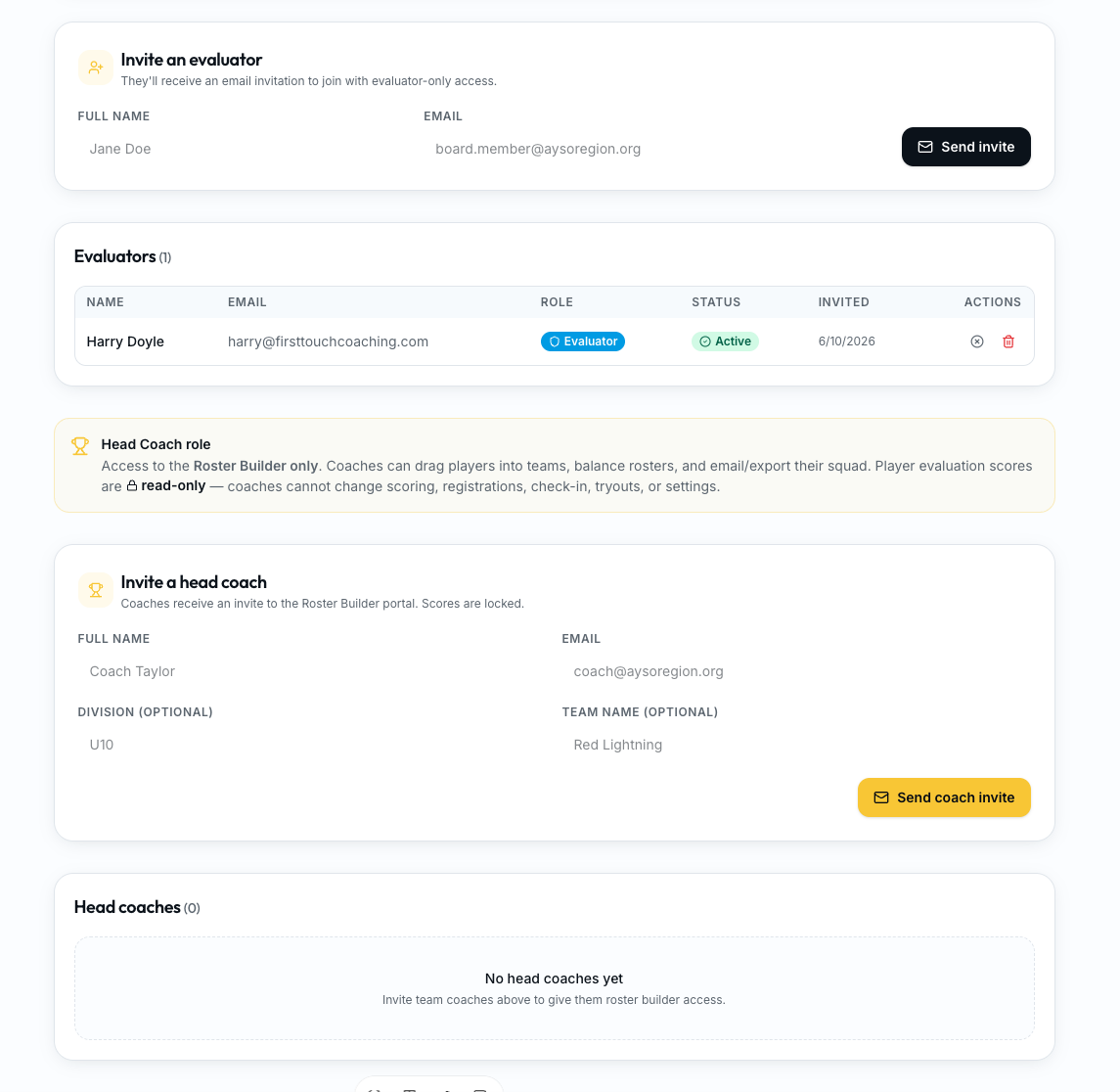
Assign evaluators to specific groups, sessions, or age brackets. Rotate them across stations to reduce bias.
Evaluators score on tablets or phones as the tryout happens. Nothing to transcribe from paper afterwards.
Build your own rubric — technical, tactical, physical, psychological, or anything your program cares about. Reuse templates across sports.
Every athlete can be scored by multiple evaluators independently. Aggregated automatically so no single opinion decides placement.
Sort, filter, and compare athletes by criteria, evaluator, session, or aggregate. Spot outliers before finalizing decisions.
Move players through offered, accepted, waitlisted, and rostered statuses. Build tiered or balanced teams from the same data.
Sessions, fields, groups, check-in, and evaluator access managed from one admin console.
Soccer, baseball, softball, football, basketball, and more — each with its own criteria while sharing one player database.
Evaluation criteria
TryoutOS ships with a starting rubric across four dimensions, and every category, weight, and rating scale is fully editable per sport, age group, or event.
Ball skills, mechanics, and sport-specific technique — passing, receiving, shooting, throwing, dribbling, hitting, fielding.
Positioning, decision making, awareness, and reading the game situationally.
Speed, agility, endurance, coordination, and athleticism relative to age.
Coachability, communication, effort, composure, and competitive attitude.
Comparison
| Dimension | Traditional tryouts | TryoutOS |
|---|---|---|
| Registration | Third-party form, exported to a spreadsheet. | Built-in branded registration flowing directly into tryouts. |
| Check-in | Printed rosters, clipboards, hand-written pinnie numbers. | Digital check-in with attendance and group assignment. |
| Evaluations | Paper evaluation sheets or shared spreadsheets. | Live scoring on tablets against your custom criteria. |
| Multiple evaluators | Scores compiled by hand after the event. | Aggregated automatically per athlete with outliers surfaced. |
| Player comparison | Manual sorting, gut feel, and lost notes. | Sort and compare by criteria, evaluator, session, or aggregate. |
| Selection | Emails, group chats, and rewritten roster lists. | Offered / accepted / waitlisted statuses managed in one place. |
| Communication | Personal email accounts and copy-pasted templates. | Branded emails sent from inside the platform. |
| Records | Scattered across drives, inboxes, and last year's coach. | Full history retained on every player profile. |
Who it’s for
Multi-team clubs running annual or seasonal tryouts across age groups.
Competitive programs that need defensible, transparent selection.
Recreational and competitive leagues balancing teams across a whole division.
Development academies tracking athletes across years, not just a single tryout.
Middle and high school programs replacing paper evaluations with digital scoring.
Multi-sport operators running dozens of tryouts on one platform.
FAQ
Tryout software is a purpose-built system that runs the operational side of youth sports tryouts: registration, check-in, evaluator scoring, player comparison, selection, and roster communication. TryoutOS handles all of it in one place so directors stop stitching together forms, spreadsheets, and paper.
Spreadsheets and paper create three problems: data has to be entered twice, evaluators score in isolation, and results are hard to compare fairly. TryoutOS captures scores digitally as the tryout happens, aggregates multiple evaluators per athlete, and keeps every record tied to a single player profile.
Yes. TryoutOS supports soccer, baseball, softball, football, basketball, and other youth sports. Each sport can have its own evaluation criteria, age groups, and selection workflow while sharing one player database across your organization.
Registration is built in. Families register on your branded TryoutOS platform, sign waivers, and pay — and the athletes then flow directly into the check-in, evaluation, and selection tools without re-entering data.
Each evaluator scores independently on a tablet or phone using your custom criteria. TryoutOS aggregates the scores per player, flags outliers, and makes it easy to compare athletes across evaluators, sessions, and age groups.
Yes. You define the categories that matter — technical, tactical, physical, psychological, or any custom rubric — with your own rating scales. Templates are also available for each supported sport so you can start fast and refine over seasons.
Records stay in TryoutOS. Historical evaluations, notes, registrations, and roster history stay attached to each athlete's profile so you can look back across seasons when making future placements.
Youth sports clubs, travel teams, leagues, academies, schools, and multi-program sports operators — anywhere a director is responsible for running a fair, organized tryout at scale.
See how directors are replacing paper, spreadsheets, and duct-taped registration tools with one system built for youth sports tryouts.